
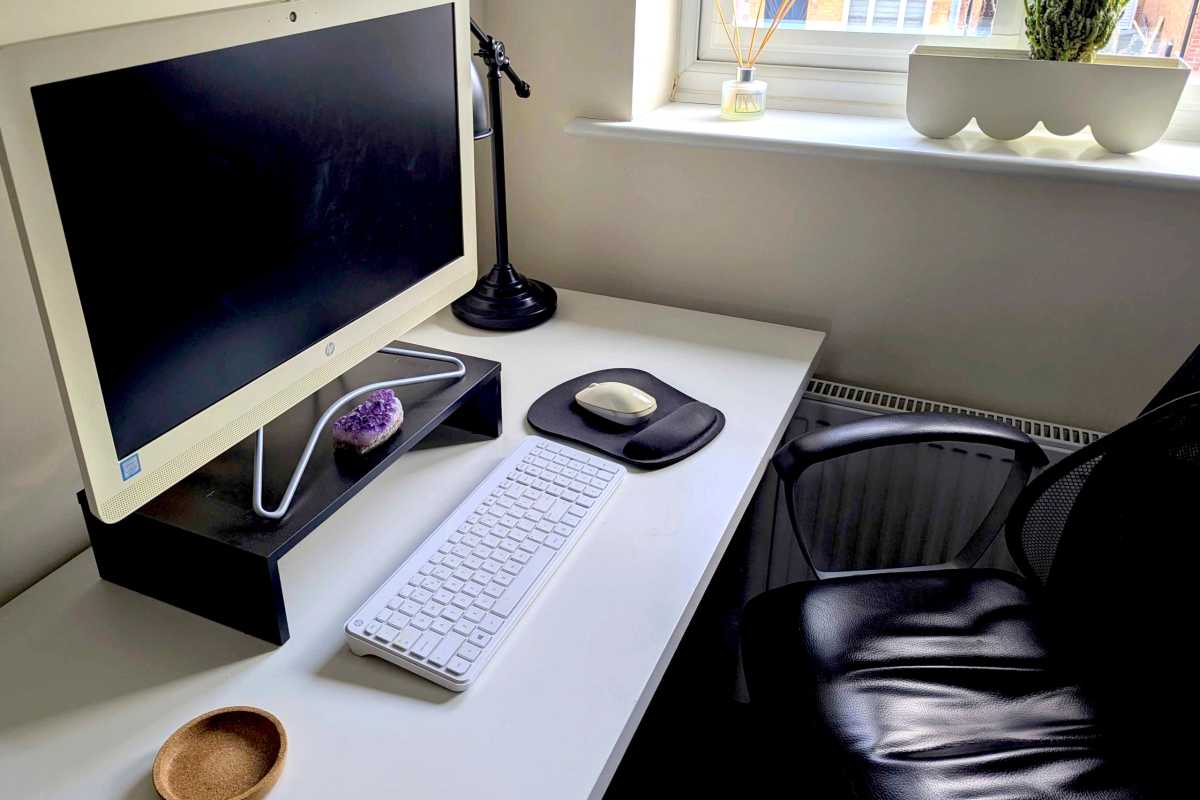
I’m not a huge PC gamer, which means I’ve never really considered buying a mechanical keyboard. In my experience, everyone I know who owns one has the fancy light-up kind for “serious” gamers.
But recently I noticed how many cheap/affordable ones are available on Amazon, with numerous options going for less than $50. I even spotted one for just $20 and it looked pretty good—so much so that it felt like a bargain I shouldn’t pass up. So I jumped on it. I put in my order and waited to find out what all the fuss was about.
Honestly, I don’t know what I was expecting. Could a mechanical keyboard really be a game-changer? Or would it be a disappointment that didn’t live up to the hype? How much of my experience would be “valid” considering I went for a bottom-barrel model? Would I even notice the cheaper build quality and lack of features?
It was an experiment for me… and the results were mixed.
As a mechanical keyboard virgin, I wanted to see what all the fuss was about
Having worked in online publishing for decades, I’ve met a lot of people who are deeply passionate about technology—and so I’m used to being recommended products left, right, and center. I also love tech myself but I’m more of a skeptic, the opposite of an early adopter. I try to take a more objective view on what’s trending in the world of gadgetry and keep a level head when it comes to newfangled products.
Dave Parrack / Foundry
Mechanical keyboards have obviously been around for a long time, stretching back as far as the 1970s, but when they became mainstream in the early 2010s, I was relentlessly pushed to try one by colleagues and friends alike. Not being a PC gamer—preferring the ease of console gaming—meant I was never persuaded to invest in one. However, the germ of the idea never quite died, thus I took a punt on it when I spotted this decent-looking mechanical keyboard for only $20.
Will a cheap $20 mechanical keyboard be enough for me?
It was a lot easier to keep out of the mechanical keyboard trend when everything was $100 and over, but there’s really no excuse not to give it a whirl when the entry price has come down so much. Sure, those cheapies are mainly Chinese brands that cut corners and skimp on essential features and maybe even neglect some safety precautions…
But at $20, it’s hard to resist. And given how much time I spend on my PC as a working writer, I might as well try it out. If there’s even the tiniest potential for this peripheral to be an absolute game-changer that revolutionizes my productivity and makes me enjoy typing that much more, then I owe it to myself to see if that’s true.
Dave Parrack / Foundry
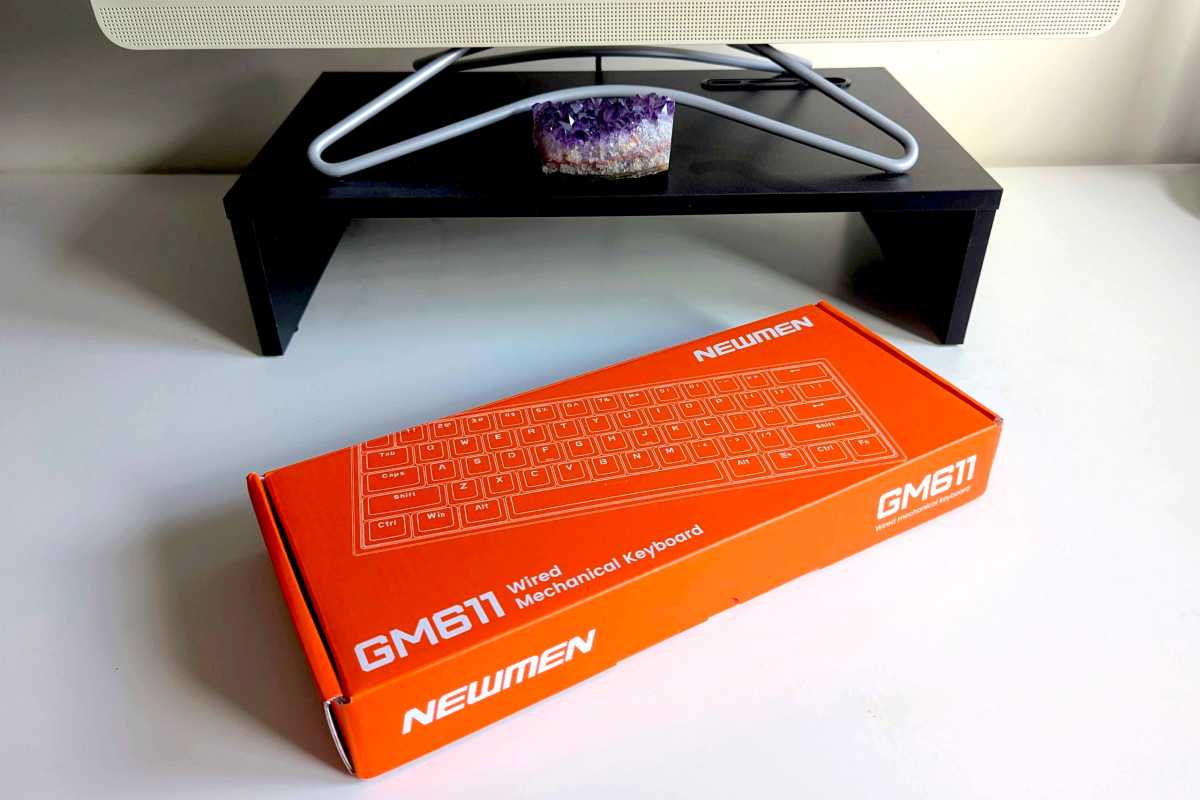
The mechanical keyboard I ended up getting is the Newmen GM611. Newmen may seem like a proper brand at first glance—it’s certainly better than so many of the nonsensical all-cap ones you often see on Amazon, like VRURC and JAJAFOOK—but it’s a China-based company like the rest. Peeking at its Amazon storefront reveals a specialization in keyboards, mice, and webcams. Not too bad so far.
So I bit the bullet. I sent in my order and also snagged a USB-A-to-USB-C converter with it. When it arrived, I promptly plugged it into my PC and took it for a spin…
What I like about the keyboard
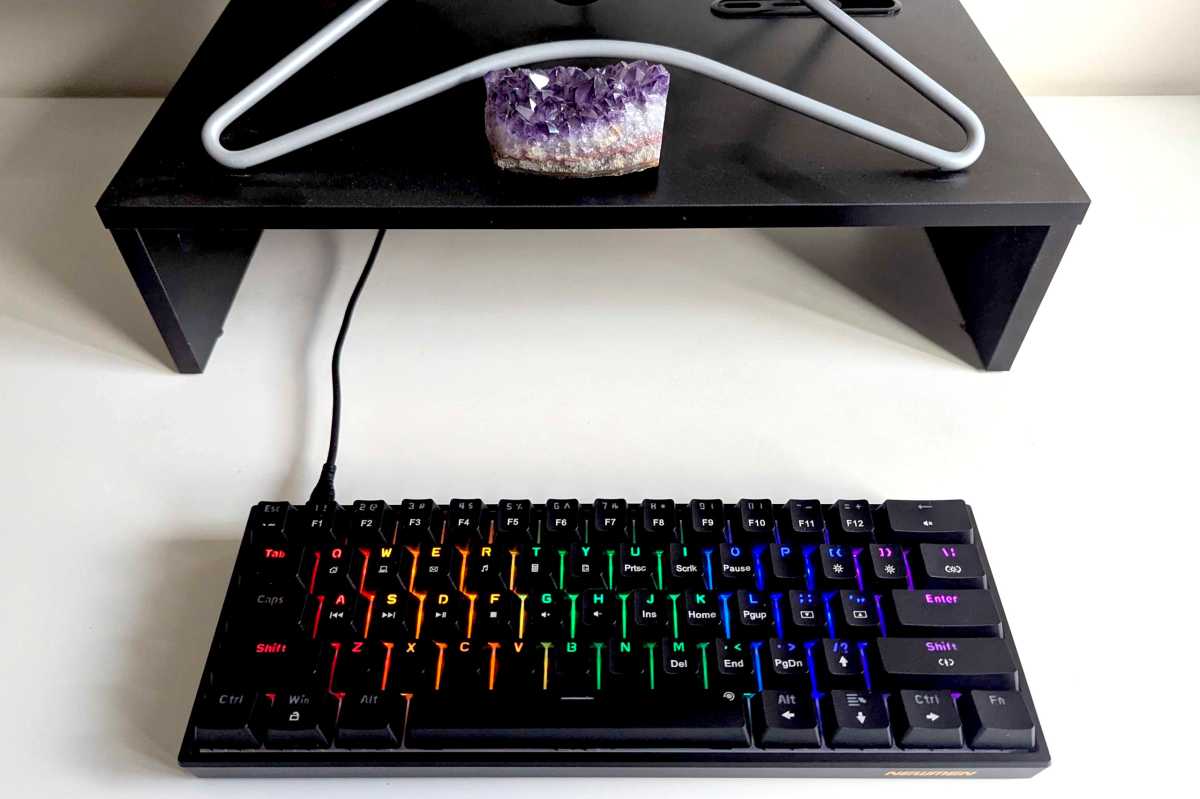
I like the mechanical keyboard’s appearance. It somehow manages to look sleek and robust at the same time. It’s small but perfectly formed, with the only real omission being a dedicated number pad. However, it looks great sitting on my desk in front of my PC, especially when the sun sets and the multicolored keycaps light up.
Dave Parrack / Foundry
I also found the act of typing quite satisfying. Maybe because it was novel and something different to what I’m used to, or maybe because the clacking noise made each button press feel more definitive. Once I built new muscle memory for the key layout and started tolerating the sound (more on this below), it was surprisingly enjoyable. It’s been a while since I felt this much satisfaction just from tapping away on keys.
Plus, setting up the keyboard was simple and seamless, both on my Windows PC and on my Chromebook. I plugged it in… and it worked! Right away. No extra effort on my part. I’m sure that’s the case with almost any reputable keyboard these days, but I appreciated it given the extra-cheap nature of the one I bought. No wrinkles.
What I don’t like about the keyboard
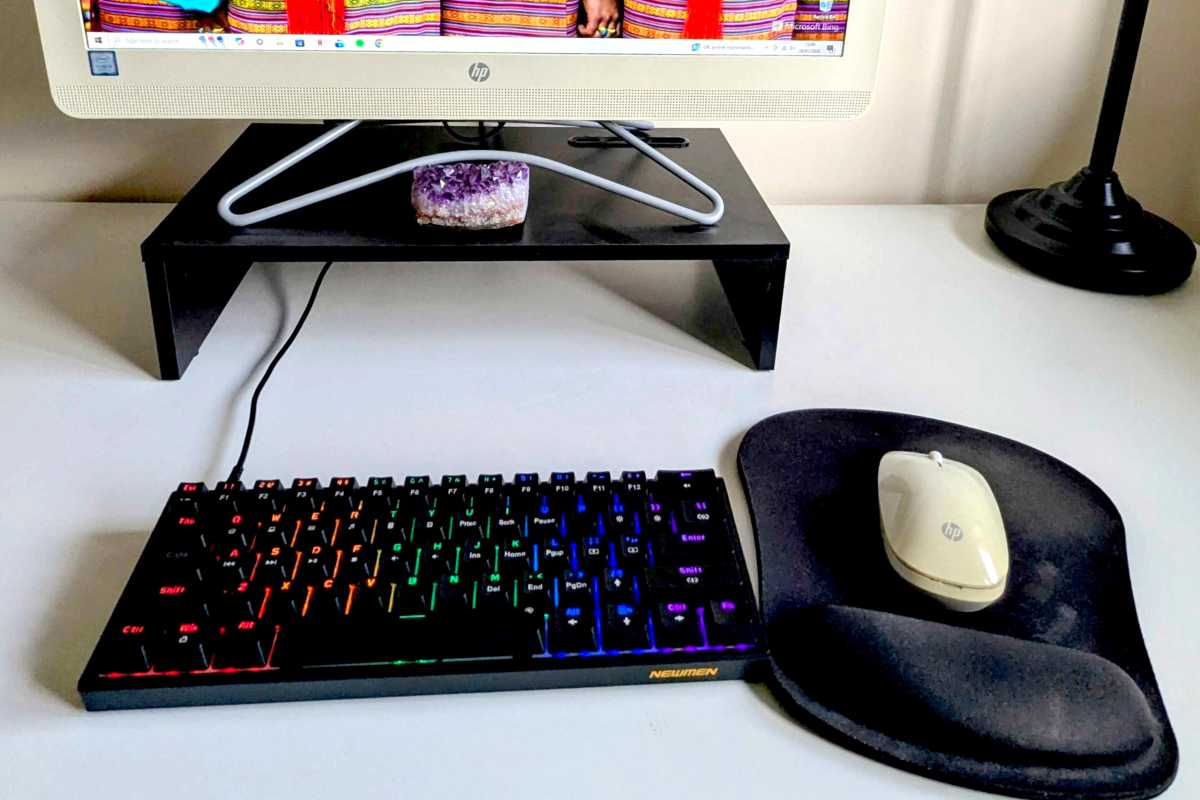
The first thing that struck me—and the main thing I’ve come to dislike about mechanical keyboards—was the noise. The clackety clack as I typed away on the keys? Very distracting! Maybe I’ll start to like it after a while, but I can see (or, in this case, hear) why mechanical keyboards are designed more for gaming than writing.
Dave Parrack / Foundry
I also had to build new muscle memory because the keys were taller and more spread out than the typical low-profile layouts I’m used to. It also surprised me how much pressure was needed to trigger each key. (I’ve been using a bog-standard membrane keyboard since my Windows 7 days—a long time spent on the same keyboard! We don’t recommend membrane keyboards, by the way.)
And since this is a cheap mechanical keyboard, the customization options are limited. It has 19 different LED backlight effects that I can cycle through, plus 5 brightness levels. But that’s all. I’ve seen more expensive mechanical keyboards with much more to them. Of course, this is more an observation than a complaint. Can’t really expect all that much from something that only costs $20, can I?
Do I buy a better one? Or go back to my standard membrane keyboard?
Ultimately, having used this cheap mechanical keyboard for a few weeks now, I have a choice to make. Do I carry on with it? Invest in a better, more expensive model? Or return to the membrane keyboard that came with my Windows PC and is showing its age?
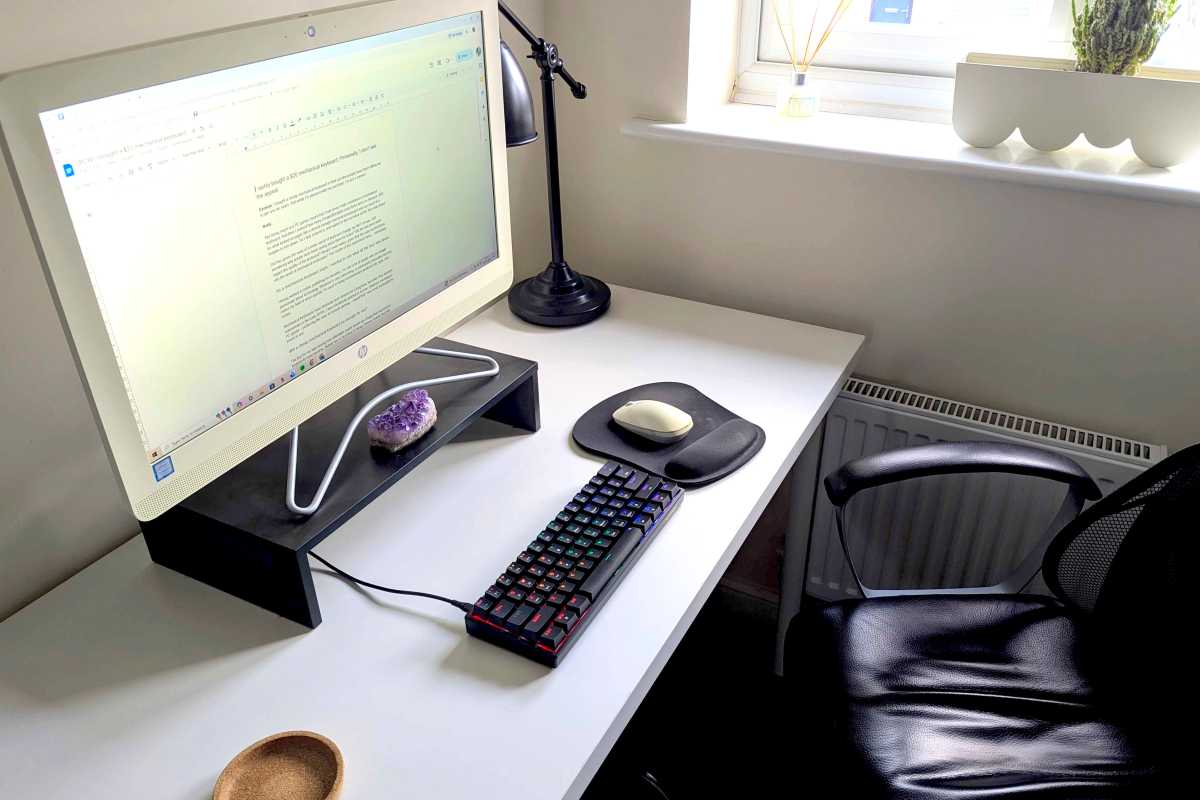
Dave Parrack / Foundry
While I enjoyed the typing experience on my cheap mechanical keyboard, I’m not enamored enough on the whole to invest further on a “better” model. If I were to ever start gaming on a PC in a big way, it might make sense then. But for now? When I really only use my keyboard to type words for work? Not going to happen.
That said, given how cheap this keyboard was, I’m pleased and have no regrets. I won’t be getting rid of it. It’s still going to take some time to get used to it—especially the noise—but I’ll be going back and forth between this and my old membrane keyboard, at least until that one dies. I do like the tactile typing. Maybe one day I’ll love it.
Further reading: The best mechanical keyboards